ai-ledger
20a — The FINAL_v2.xlsx Disaster: Why AI Makes Version Control Mandatory for Accountants
~4 min read · Part 1 of 6 in Version Control for Accountants in the AI Era
PythonMuse LLC Series launch · 2026
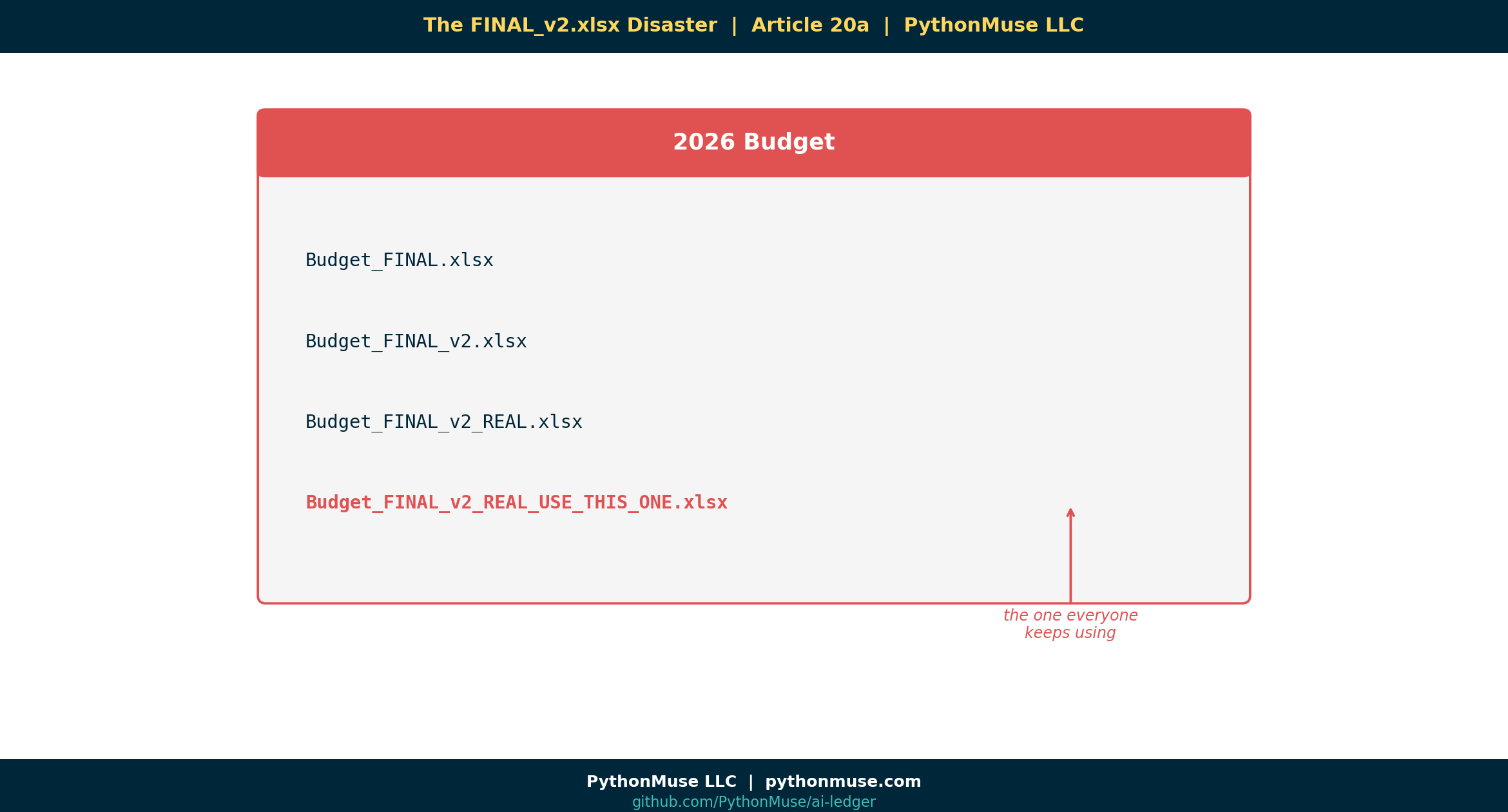
A Folder You’ve Definitely Seen Before
Plenty of accounting teams’ shared drives have a folder that looks something like this:
📁 2026 Budget
   📄 Budget_FINAL.xlsx
   📄 Budget_FINAL_v2.xlsx
   📄 Budget_FINAL_v2_REAL.xlsx
   📄 Budget_FINAL_v2_REAL_USE_THIS_ONE.xlsx   ← (the one everyone keeps using)
If that looks familiar, you’ve got a version control problem — you just never called it that.
If it doesn’t look familiar, good for you; not every team names files this way. But the underlying pattern — nobody quite sure which copy is the real one — shows up eventually in some form. AI is making it a lot harder to ignore.
We Already Had This Problem. AI Just Exposed It.
For a long time, the FINAL_v2 phenomenon was a small annoyance. Annoying, but survivable. You could usually figure out which file was current by checking the timestamp, asking Susan, or — in extreme cases — opening all of them.
Then AI walked in.
And suddenly, the speed of change in your workflows went from “a few file saves per close” to fifty things changing per hour:
- Prompts are tweaked.
- Scripts are regenerated.
- Outputs are re-run.
- Logic shifts.
- A model upgrades overnight and yesterday’s numbers don’t reproduce.
The shared drive was never designed for this. It was designed for documents. AI doesn’t produce documents — it produces moving workflows.
So the version control problem you already had quietly became a compliance problem you can’t afford.
The Question You Cannot Answer Without History
Picture your CFO walking over and asking:
“Why did EBITDA change between Friday and Monday?”
Without version history, you’ve got three options:
- Open every file you can find and guess.
- Email five people.
- Smile politely while panicking internally.
With version history, the answer is one click:
“On Sunday at 4:12 PM the depreciation script was updated. Here’s the exact change, who reviewed it, and why.”
That’s not magic. That’s just work that remembers itself.
Git, in One Sentence (No Code Yet)
Git is a tool that remembers every version of every file, who changed it, when, and why — automatically.
That’s it. That’s the whole pitch for this article.
We’re not going to install anything. We’re not going to open a terminal. We just need you to nod when you read this:
- A journal entry is structured evidence of a financial change.
- A commit is structured evidence of a workflow change.
Same idea. Different layer of the company.
A Framework, Not a Tool
🛠️ Reminder — this is a framework, not a product pitch.
Throughout this series we’ll use Git + GitHub because they’re free, popular, and have the friendliest UI. But the concepts — versioned history, reviews, approvals, rollback — show up in every enterprise stack:
Concept GitHub Azure DevOps AWS Hosted repo github.com Azure Repos AWS CodeCommit Review & approve Pull Request Pull Request Pull Request Automation hooks GitHub Actions Pipelines CodePipeline Pick what your IT team already uses. The framework doesn’t change.
What I Want You to Take Away
You don’t need to learn Git today. You need to accept one thing:
The shared drive is now the weakest link in your AI workflow.
Not because anyone did anything wrong. But because the velocity of change in modern accounting workflows has outgrown what folders and filenames can carry.
The fix isn’t a new spreadsheet rule.
The fix is a different kind of memory.
What’s Next
In Article 20b — Git Explained Using Accounting Terms, we drop the fear and translate every scary Git word into something you already do every day. Spoiler: you’ve been doing primitive version control for years.
Related Reading
- Reproducible Accounting
- Audit-Ready AI Workflows
- What the Heck Is a Script?
- When Your AI Enters Month-End Close Mode
Next in the Series
→ Article 20b — Git Explained Using Accounting Terms
A note on how this article was made. This article started with me. The pain of FINAL_v2_REAL_USE_THIS_ONE.xlsx is mine — I’ve lived it, watched colleagues live it, and watched AI make it ten times faster. I sketched the hook, the analogies, and the framework callout. GitHub Copilot (Claude Sonnet 5.5 and Opus 4.7) then built the final article, the companion Skill direction, and all visual concepts — working from my direction and feedback at each step. I reviewed every output, pushed back on things I didn’t like, and made all final content decisions. That process — bringing your own experience, using AI to build and iterate, and staying in the editorial seat throughout — is exactly what this series is about.
By Svetlana Toohey